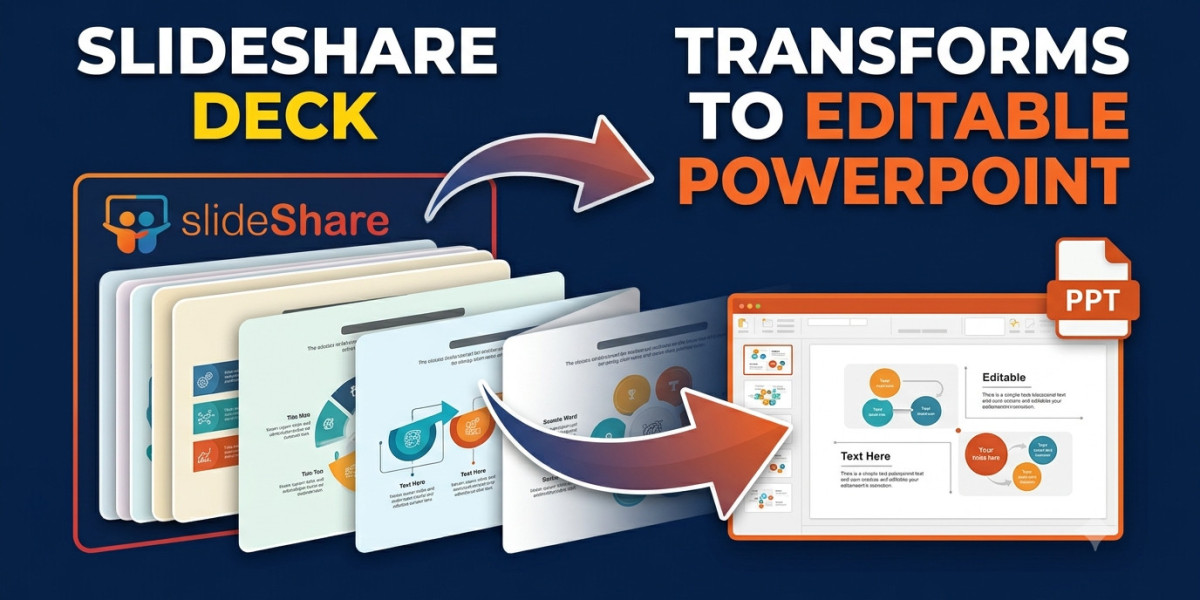

Why PPTX Is Better Than PDF
A PDF is a fixed, read-only snapshot of a presentation. You can view it and print it, but you cannot edit the text, swap out images, or use it as a starting point for your own work. A PPTX file, on the other hand, opens directly in PowerPoint, Google Slides, or LibreOffice Impress. You can rewrite slides, add your own branding, rearrange the deck, and present it live with transitions. For students adapting a reference deck for a class project, or professionals reusing a template for an internal pitch, PPTX is simply the more practical format.
The Easiest Way to Get a PPTX File
The fastest method does not involve any browser extensions or paid software. Using a slideshare free downloader like SlidesExtract, you simply paste the SlideShare link and get your file back in PPTX, PDF, or JPEG format within a minute or two.
Here is the complete process from start to finish.
• Open the SlideShare presentation you want and let all the slides load in the viewer.
• Copy the full URL from your browser's address bar.
• Visit slidesextract.com — no sign-up or login is required.
• Paste the SlideShare link into the input box and click Fetch.
• Wait while the slides are extracted as thumbnail previews, usually within 15 to 60 seconds.
• Select all the slides, or only the ones you need.
• Choose PPTX as the output format and select high quality for the clearest result.
• Click Download. The PPTX file saves directly to your device, ready to open in PowerPoint or Google Slides.
There is no account creation, no credit card, and no watermark on the final file. The tool works equally well on desktop and mobile browsers, which matters for the large number of students and professionals across Pakistan, India, and the rest of South Asia who do not always have access to an international card for subscription services.
If You Already Have a PDF
Some presentations on SlideShare were originally uploaded as PDFs rather than PowerPoint files, so the source available for conversion is image-based. In that case, you can still bring the PDF into Google Slides using File then Import Slides, edit it there, and export it back out as a PPTX. The text will sit on top of an image rather than being natively editable, but it gives you a fully working PowerPoint file you can build on.
Opening Your PPTX File
Once downloaded, the file opens normally in Microsoft PowerPoint on Windows or Mac. If you do not have PowerPoint installed, LibreOffice Impress and Keynote both open PPTX files for free, and uploading the file to Google Drive lets you edit it through Google Slides from any device, including Android and iPhone, with no installation needed at all.
A Note on Fair Use
Downloading a publicly viewable presentation for personal study, research, or as a reference template generally falls within fair use in most countries, including under Section 52 of India's Copyright Act and similar provisions in Pakistan's Copyright Ordinance and Bangladesh's Copyright Act. Since the original creator has chosen to make the presentation visible to anyone without requiring a login, viewing and saving a personal copy for non-commercial use sits well within accepted norms. What is not acceptable is republishing someone else's deck as your own original work, removing the original author's name and credit, or selling downloaded content commercially without permission. The practical rule is simple: use what you download to learn from it and build on it, not to copy it outright and pass it off as something you created.
Final Thoughts
SlideShare's paywall makes downloading feel harder than it needs to be, but a free slideshare free downloader removes that barrier entirely. Copy the link, paste it into the tool, choose PPTX, and you have an editable presentation ready in under two minutes — no subscription, no card, no sign-up required.